How to Enable 2FA on Crypto Exchanges: A Step-by-Step Guide for 2025
 Dec, 28 2025
Over 60% of crypto users still don’t use two-factor authentication - and that’s not just risky, it’s reckless. In 2024 alone, hackers stole over $100 million in cryptocurrency by exploiting accounts with weak or no 2FA. If you’re holding any amount of Bitcoin, Ethereum, or altcoins on an exchange, enabling 2FA isn’t optional. It’s the single most effective step you can take to protect your assets.
Why 2FA Is Non-Negotiable for Crypto Accounts
Password-only security is dead in crypto. If someone guesses or steals your password - through phishing, a data breach, or malware - they can drain your account in seconds. Two-factor authentication (2FA) adds a second layer: something you have, not just something you know. That something is usually a time-based code generated by an app on your phone. By 2025, every major exchange - Binance, Coinbase, Kraken, Crypto.com - requires 2FA for withdrawals. Some, like Crypto.com, even force it for login. Exchanges without mandatory 2FA are now rare, and regulators like ESMA and FinCEN have made it a legal requirement for licensed platforms. But here’s the problem: 2FA only works if you actually turn it on. And even then, most people do it wrong.Authenticator Apps vs. SMS: Why SMS Is a Trap
You might see SMS as the easiest option. It’s right there in your phone’s messages. But it’s also the most vulnerable. Hackers can perform SIM swap attacks - tricking your mobile carrier into transferring your number to a new device. Once they have your number, they get the 6-digit code sent via text. Since 2020, over $100 million in crypto has been stolen this way. Security experts like Dr. Matthew D. Green from Johns Hopkins University call SMS-based 2FA “fundamentally broken.” Instead, use an authenticator app. Google Authenticator, Authy, and Microsoft Authenticator all use the TOTP protocol (Time-Based One-Time Password), which generates a new 6-digit code every 30 seconds. These codes are generated locally on your device, not sent over the network. No SIM swap can touch them.How to Enable 2FA: The Universal 6-Step Process
The exact steps vary slightly between exchanges, but the core process is the same everywhere. Here’s how to do it right:- Log in to your exchange account. Most platforms require email and password plus CAPTCHA verification first.
- Go to Security Settings. Look for this under your profile icon (top-right corner), Account Settings, or Security Center. It’s usually labeled “Two-Factor Authentication,” “2FA,” or “Authentication.”
- Select Authenticator App. Choose “Google Authenticator,” “Authenticator App,” or “TOTP.” Avoid SMS unless it’s your only option - and even then, only as a backup.
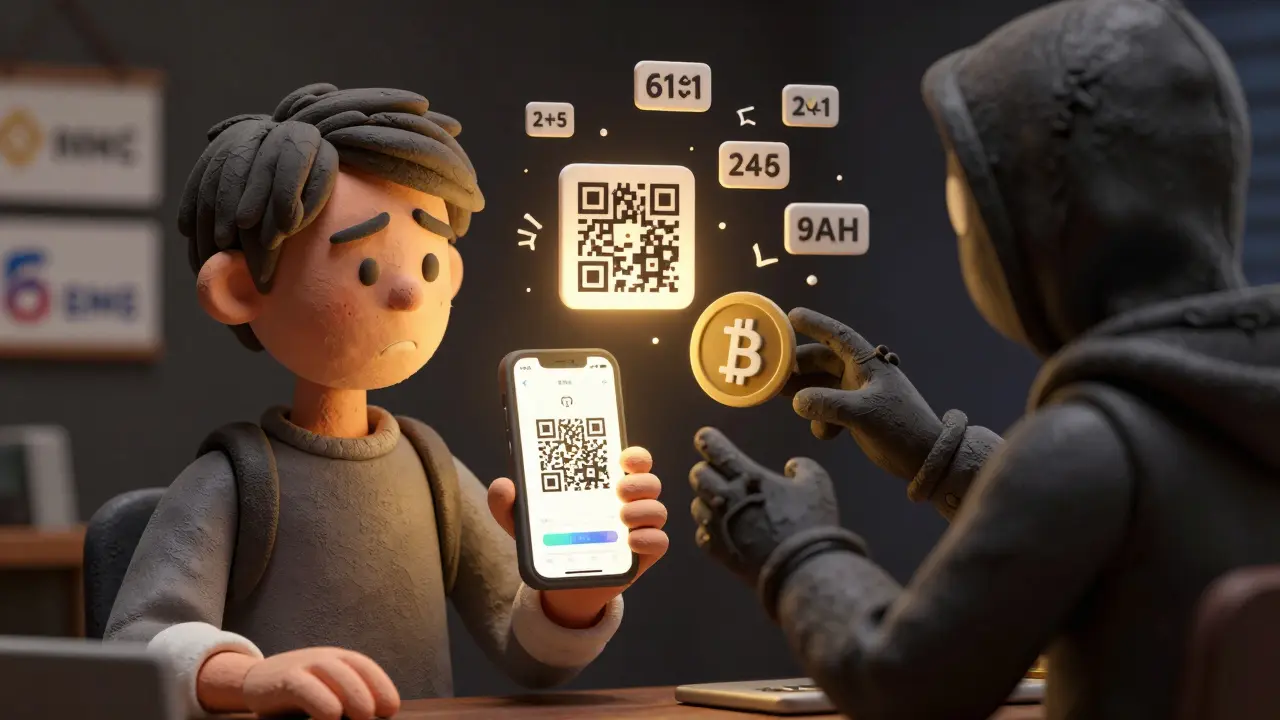
- Scan the QR Code. Open your authenticator app (Google Authenticator is free on iOS and Android). Tap “Add Account” or “Scan QR Code.” Point your phone’s camera at the QR code on screen. If it doesn’t scan, manually enter the secret key (usually 16-32 characters) shown below the QR code.
- Enter the 6-Digit Code. Your app will generate a code. Type it into the exchange’s verification box. Hit “Confirm.”
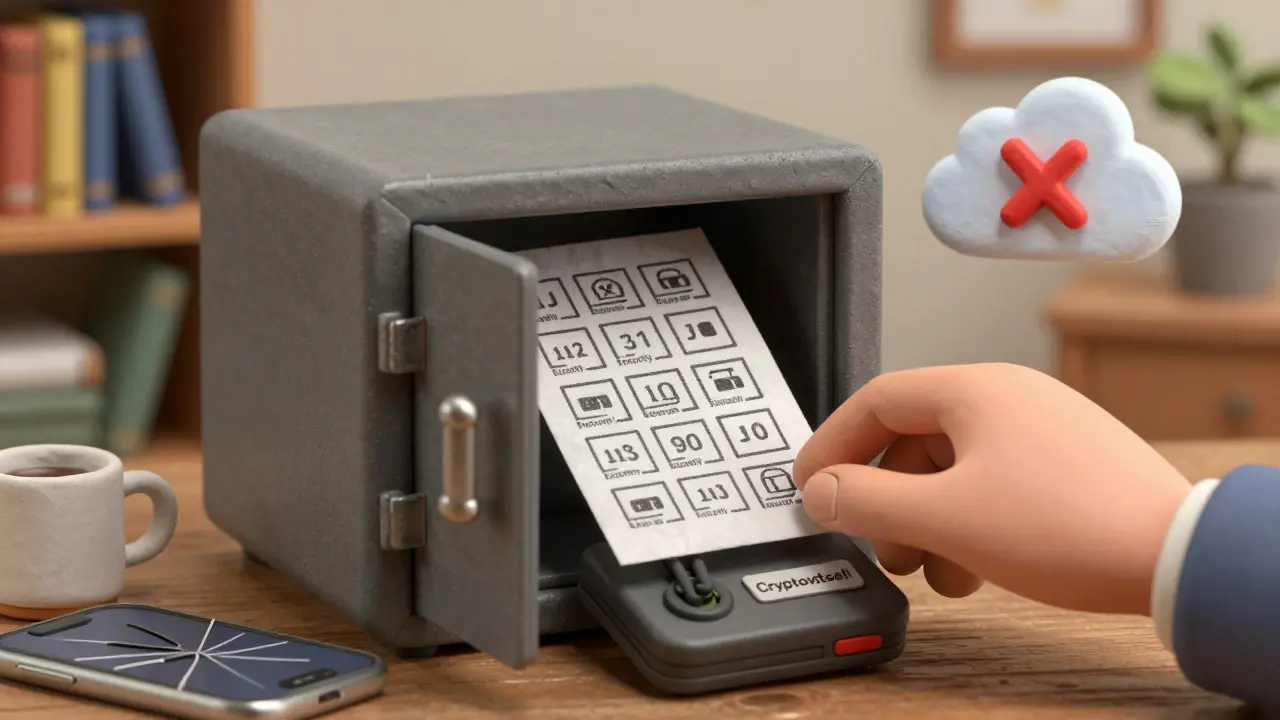
- Save Your Recovery Codes. This is the most critical step. The exchange will give you 10-16 alphanumeric recovery codes. Print them. Write them on paper. Store them in a fireproof safe. Never save them in your email, cloud storage, or phone notes. If you lose your phone or uninstall the app, these are your only way back in.
Most users finish this in under 3 minutes. First-timers might take 5-7 minutes, especially if they’re confused about app vs. exchange 2FA (more on that later).
Where People Screw Up (And How to Avoid It)
Even after following the steps, most users still leave themselves exposed. Here are the top 3 mistakes:- Not saving recovery codes: CryptoCompare’s 2025 survey found 67% of users don’t store them properly. One user on Reddit lost $8,500 after throwing away his recovery sheet and cracking his phone. Exchanges like Binance cannot reset 2FA without these codes.
- Using the wrong app: Crypto.com has separate 2FA settings for its mobile app and its exchange platform. Many users enable 2FA on the app but forget the exchange - then get locked out when trying to connect third-party tools. Always check both.
- Storing recovery codes digitally: Saving them in Notes, iCloud, Google Drive, or email is like leaving your house key under the mat. If your phone or cloud account is hacked, your crypto is gone.
Best practice: Write recovery codes on two pieces of paper. Keep one at home, one in a safety deposit box. Or use a metal backup device like Cryptosteel - it survives fire, water, and physical damage.
What Happens If You Lose Your Phone?
This is the nightmare scenario - and it’s more common than you think. If your phone dies, gets stolen, or you wipe it by accident, you’re locked out. Unless you have your recovery codes. That’s why step 6 isn’t optional. Without those codes, you’re done. No email support, no customer service, no “I’m a long-time user” plea will help. Exchanges don’t store your secret key. They can’t. That’s the whole point of 2FA - no backdoors. If you didn’t save your codes and you lost your phone, your only option is to contact support and go through a lengthy identity verification process. Even then, success isn’t guaranteed. Some platforms require a notarized affidavit and a waiting period of 14-30 days. In the meantime, your funds are frozen.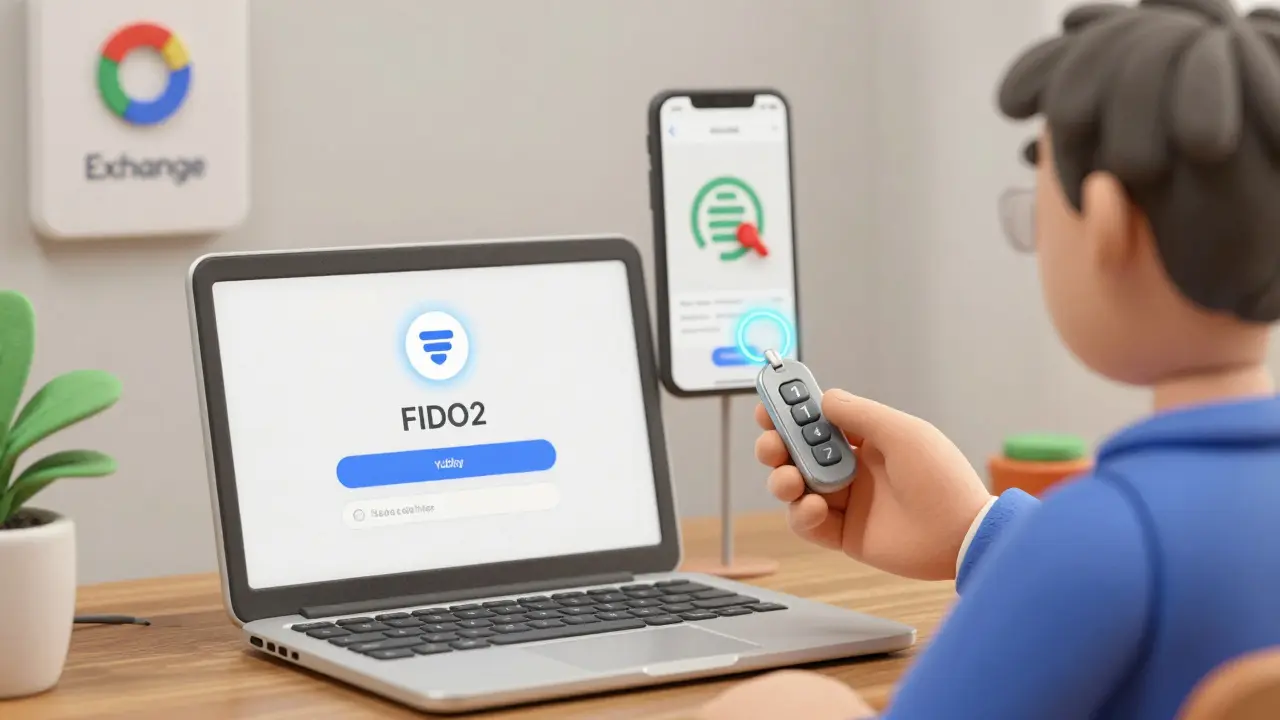
Advanced: Hardware Keys and the Future of 2FA
For large holders - think $100k+ - authenticator apps aren’t enough. A compromised phone means compromised access. That’s where hardware security keys like YubiKey come in. These physical USB or NFC devices generate cryptographic signatures. Even if a hacker has your password and your phone, they can’t log in without the key. Coinbase and Kraken are already testing FIDO2 passkeys - passwordless login using your phone’s fingerprint or face ID. This removes the need for typing codes entirely. It’s faster, more secure, and harder to phish. But here’s the catch: these systems still rely on 2FA principles. They just make it less annoying. For now, TOTP via authenticator app remains the gold standard for 99% of users.What About Binance Authenticator? Is It Safe?
Binance launched its own app in February 2025, claiming encrypted cloud backup for 2FA seeds. Sounds convenient, right? But security researcher Troy Hunt called it a “centralized attack surface.” If Binance’s servers get breached, hackers could potentially access thousands of 2FA secrets. Google Authenticator and Authy don’t store your secret key anywhere but your device. That’s why they’re still the most trusted options. If you’re using Binance, stick with Google Authenticator or Authy. Don’t trust cloud backups - even from the exchange you’re using.Final Checklist: Did You Do It Right?
Before you close this page, run through this:- ✅ 2FA enabled on the exchange (not just the app)
- ✅ Used an authenticator app (Google, Authy, Microsoft)
- ✅ No SMS enabled as primary method
- ✅ Recovery codes written down on paper
- ✅ Recovery codes stored offline - no cloud, no email
- ✅ Tested a login with 2FA code to confirm it works
If you checked all boxes, your account is now among the safest on the exchange. You’ve reduced your risk of theft by over 95%.
Two-factor authentication won’t stop every attack - malware on your phone can still steal codes. But it stops the 90% of hacks that rely on stolen passwords. That’s the difference between losing everything and sleeping soundly.
Can I use SMS for 2FA on crypto exchanges?
Technically yes - some exchanges still offer it. But you shouldn’t. SMS is vulnerable to SIM swap attacks, where hackers take over your phone number and intercept codes. Since 2020, over $100 million in crypto has been stolen this way. Always use an authenticator app like Google Authenticator or Authy instead.
What if I lose my phone and didn’t save recovery codes?
You’re locked out. No exchange can reset your 2FA without the recovery codes - and they won’t create new ones for you. Your only option is to contact support and go through a lengthy identity verification process, which may take weeks and still fail. This is why saving recovery codes on paper is non-negotiable.
Is Google Authenticator safer than Authy?
Both are secure for TOTP. Google Authenticator stores codes only on your device - no cloud backup. Authy offers encrypted cloud sync, which is convenient if you switch phones but adds a small risk if Authy’s servers are compromised. For maximum security, use Google Authenticator. For convenience, Authy is fine - just enable its encryption.
Do I need 2FA for both the exchange website and the mobile app?
Yes - and this is where most users fail. Platforms like Crypto.com have separate 2FA settings for their app and their exchange platform. Enabling it on the app doesn’t protect your exchange account. Always check both sections in your security settings.
Can I use 2FA on multiple devices?
Yes - but only if you set it up that way. When scanning the QR code, you can add the same account to multiple authenticator apps (like Google Authenticator on your phone and Authy on your tablet). Just make sure you scan the same code on each device. Don’t try to transfer codes later - it won’t work. Set it up correctly from the start.
Why do some exchanges require 2FA for login and others only for withdrawals?
It’s about balancing security and usability. Exchanges like Binance require 2FA only for withdrawals because they assume login alone doesn’t move funds. But platforms like Crypto.com require it for login too - because it stops account takeovers before they happen. The more sensitive the platform, the stricter the rules. Always follow the platform’s recommendation.
Are hardware security keys worth it for average users?
Only if you hold over $50,000 in crypto. For most people, a good authenticator app and saved recovery codes are enough. Hardware keys like YubiKey add strong security but cost $30-$70 and require a USB port or NFC. They’re overkill unless you’re a high-net-worth holder or institutional user.
Can malware steal my 2FA codes?
Yes - if your phone is infected with keyloggers or screen-grabbing malware, attackers can capture codes as you type them. That’s why you should never install unknown apps or click suspicious links on your phone. Keep your OS and apps updated. Use antivirus software. 2FA protects you from password theft - not from a fully compromised device.
Daniel Verreault
December 28, 2025 AT 21:47bro just enabled 2fa on binance using authy and i swear if i lose my phone i’m gonna scream. why do they make it feel like a damn escape room? also why do i need 16 recovery codes? one would’ve been enough. i wrote them on a sticky note and put it in my wallet. if someone steals my wallet they deserve my crypto anyway.
Jacky Baltes
December 30, 2025 AT 10:55I’ve been using Google Authenticator since 2020 and never had an issue. The real danger isn’t the app-it’s people who think ‘I’ll just screenshot the QR code’ or save recovery codes in iCloud. If you’re storing your life savings in crypto, treat the recovery codes like your last will and testament. Not a draft. Not a note. A physical, fireproof, off-grid document. No exceptions.
Rick Hengehold
December 31, 2025 AT 07:282FA is basic hygiene. If you’re not using it, you’re not serious about your money. Stop being lazy. It takes 3 minutes. Your portfolio isn’t a game. You don’t get a do-over when your BTC is gone.
dayna prest
January 1, 2026 AT 16:17Oh wow, another ‘crypto is dangerous’ lecture. What’s next? ‘Don’t breathe near your wallet’? I’ve lost more money to FOMO than hackers. At least when you get hacked, you learn something. When you buy a shitcoin because Elon tweeted ‘moon’, you just learn you’re a sucker.
Antonio Snoddy
January 3, 2026 AT 03:46Think about it deeply, man. 2FA is just a mirror of our existential insecurity. We build walls around our digital selves because we know, deep down, we’re not in control. The QR code? It’s not a tool-it’s a ritual. A sacred handshake between the user and the algorithm. We scan it hoping the universe won’t collapse. And yet, we still save recovery codes in Notes. We’re all just fragile meat sacks clinging to code, praying the blockchain remembers us. I cry every time I see someone use SMS. It’s not negligence-it’s a cry for help.
Bianca Martins
January 4, 2026 AT 19:03For real-just use Authy with encryption turned on. I switched from Google Auth after my phone died and spent 3 days panicking. Authy’s cloud backup saved me. And yes, I know it’s ‘less secure’-but if you’re not gonna write down recovery codes, cloud sync is better than being locked out forever. Just don’t use your Gmail password for Authy. That’s just asking for trouble 😅
Brandon Woodard
January 5, 2026 AT 05:55Let me be the first to say this with absolute clarity: The fact that you’re reading this guide means you’re already ahead of 90% of crypto users. That’s not praise-it’s a baseline. You didn’t need a tutorial to know this matters. If you’re still reading, you’re the kind of person who survives the next crash. Keep going.
alvin mislang
January 5, 2026 AT 16:33If you’re using ANY app that syncs your 2FA keys, you’re a liability to the entire ecosystem. You’re not protecting your assets-you’re inviting a centralized point of failure. I’ve seen people get hacked because their Authy account got phished. You think you’re being smart? You’re just making the next breach easier for the hackers. Google Authenticator. No cloud. No excuses.
Ryan Husain
January 5, 2026 AT 19:39Regarding the Binance Authenticator app: While the centralized storage model presents a theoretical risk, it is worth noting that Binance’s infrastructure is among the most hardened in the industry. The probability of a breach compromising 2FA seeds is statistically negligible compared to the real-world risk of user error-such as failing to back up recovery codes. Convenience, when implemented with enterprise-grade security, is not a vulnerability-it is an evolution. For the average user, the trade-off favors usability. The purist approach may be ideal, but it is not scalable. Let us not mistake rigidity for righteousness.