Remove ChatGPT Hidden Characters Without Breaking Emoji or Non-Latin Scripts
 Oct, 17 2026
You copy a paragraph from ChatGPT, paste it into your code editor or CMS, and suddenly things break. A variable name fails to compile. A line wraps weirdly in WordPress. Or worse, your beautiful emoji sequence turns into a jumble of separate icons. You suspect those pesky hidden characters are the culprit. But here is the trap: if you blindly delete every invisible character, you might accidentally destroy the structure of complex emojis like 👨👩👧👦 or break the shaping logic in Arabic and Hindi scripts.
The goal isn't just to scrub text clean; it's to scrub it smart. You need to remove the noise-stray zero-width spaces, byte-order marks, and formatting artifacts-while preserving the signal. This guide walks you through exactly which characters cause trouble, why standard "delete all" strategies fail, and how to safely clean your text without losing critical Unicode data.
What Are These Hidden Characters Really?
When people talk about "AI watermarks," they often conflate two very different things. First, there are statistical watermarks (like OpenAI's textGrain, announced in October 2026), which live in word choice and probability distributions. No amount of deleting invisible characters will remove those. Second, there are actual stray Unicode characters that travel with copied text. These are the ones we can fix.
These invisible intruders usually fall into a few specific categories:
- Zero-Width Space (U+200B): Acts as a potential line-break point but takes up no visual space. It breaks search functionality and splits words in databases.
- Byte Order Mark (U+FEFF): Often appears at the start of files or strings to indicate encoding. If it lands in the middle of your text, it causes syntax errors in code and layout glitches in web forms.
- No-Break Space (U+00A0) and Narrow No-Break Space (U+202F): These look like normal spaces but prevent line wrapping. In April 2025, users noticed ChatGPT occasionally inserting U+202F, which OpenAI attributed to training side effects rather than intentional watermarking.
- Unicode Tag Characters (U+E0000-U+E007F): These are rare but dangerous. They render as nothing but can carry hidden metadata or even prompt injection instructions aimed at AI agents.
Detecting these requires more than a simple regex for "whitespace." You need a tool that understands Unicode properties. That is where a dedicated invisible character remover becomes essential.
Why Blind Deletion Breaks Emoji and Scripts
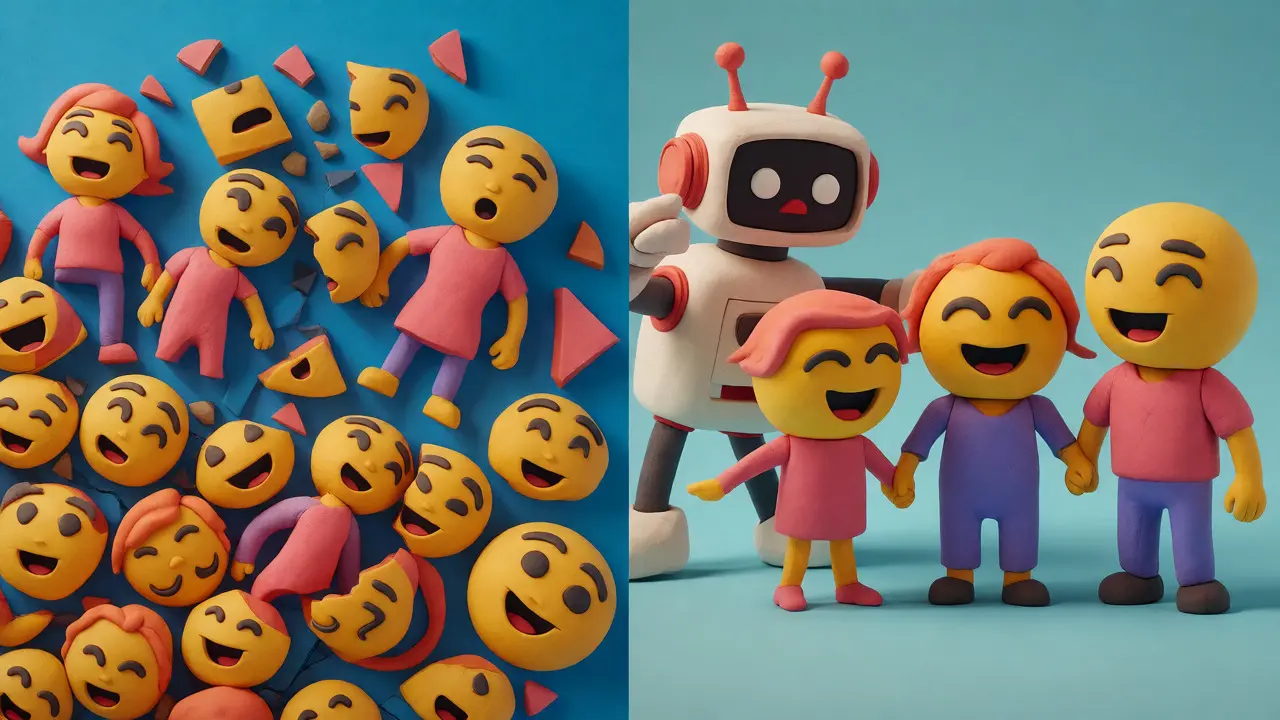
The biggest mistake developers and editors make is assuming all invisible characters are junk. Many are functional glue. Take the family emoji 👨👩👧👦. It isn't one character; it's a sequence of four person emojis joined by ZWJ (Zero Width Joiner, U+200D). If you strip out ZWJs indiscriminately, that single glyph explodes into four separate people standing apart. The same applies to skin tone modifiers and variation selectors (U+FE0F) that tell the system to display an emoji in color versus black-and-white.
Non-Latin scripts face similar risks. In Persian, Urdu, and many Indic languages (like Devanagari and Bengali), the ZWNJ (Zero Width Non-Joiner, U+200C) and ZWJ control how letters connect. Removing them doesn't just change spacing; it changes the shape of the word itself, potentially altering meaning or readability. A safe cleaner must be context-aware, recognizing when a joiner is part of a valid grapheme cluster versus when it is a stray artifact.
The Safe Cleaning Pipeline
To remove ChatGPT hidden characters effectively, follow this logical flow. Don't skip steps, especially the diagnostic phase.
- Reveal First: Never edit what you can't see. Use a viewer that highlights invisible characters with their Unicode codes (e.g., U+200B). This lets you distinguish between a harmless soft hyphen and a problematic bidirectional override.
- Classify by Risk: Separate high-confidence trash (stray BOMs, random zero-width spaces) from structural elements (ZWJs inside emoji sequences, script-specific joiners).
- Normalize Conservatively: Apply NFC normalization to combine decomposed characters (like 'e' + accent vs. 'é') without applying aggressive compatibility transformations that might alter distinct symbols.
- Remove Policy-Approved Characters: Strip only the types you identified as unwanted. Keep the joiners that hold your emoji and scripts together.
- Validate Output: Check that your emoji still render correctly and that non-Latin text hasn't lost its shaping.
Manual methods like using a text editor's "Show Whitespace" feature work for small snippets, but they don't scale. For larger texts or frequent copying, you need automation that respects these rules.
How Vaulternal’s Tool Handles Complex Unicode
This is where Vaulternal's free AI Watermark Remover shines. Unlike basic find-and-replace scripts, it runs entirely in your browser-meaning your text never leaves your device-and uses grapheme-aware segmentation. It doesn't just delete characters; it analyzes the context.
| Strategy | Action on Emoji ZWJ | Action on Script Joiners | Risk Level |
|---|---|---|---|
| Regex Remove All Cf | Deletes (Breaks 👨👩👧) | Deletes (Breaks Persian/Indic) | High |
| Fixed Regex List | Context-blind | Context-blind | Medium |
| Grapheme-Aware Cleaner | Preserves if part of cluster | Preserves if script-valid | Low |
The tool explicitly preserves emoji glue. It keeps ZWJs when they sit between pictographic characters and retains variation selectors that define style. Simultaneously, it strips out the genuine noise: the narrow no-break spaces that mess up word counts, the internal BOMs that break YAML files, and the tag characters that might hide prompt injections. You get a clean string that looks identical to the original but behaves predictably in your code or CMS.
If you are concerned about privacy while debugging sensitive documents, note that Vaulternal builds its tools on a zero-knowledge encryption principle, ensuring that checking text for hidden characters doesn't require uploading your data to a third-party server.
Security Note: Bidirectional Controls
One category deserves special attention: bidirectional controls (U+202A-U+202E). These aren't just formatting annoyances; they are security vectors. Researchers have demonstrated "Trojan Source" attacks where these invisible controls make source code appear correct to human reviewers while executing differently in compilers. If you are pasting code or configuration files, treat any bidi control as suspicious. While natural language RTL text (like Arabic) legitimately uses these marks, mixing them into English code blocks is a red flag. A good unicode character remover should warn you about these specifically, allowing you to decide whether to escape or remove them based on context.
Frequently Asked Questions
Does removing hidden characters remove the AI watermark?
No. Statistical watermarks like Google's SynthID-Text or OpenAI's textGrain exist in the choice of words and sentence structure, not in invisible characters. Removing hidden characters cleans formatting artifacts but does not alter the statistical signature of the text. Heavy rewriting or translation is required to weaken statistical watermarks, and no tool guarantees complete removal.
Will cleaning text break my emojis?
It depends on the method. Simple regex cleaners often break complex emojis by removing the Zero Width Joiner (ZWJ) that holds multi-part emojis (like families or flags) together. Grapheme-aware tools, such as the one recommended here, detect these joiners as part of a valid emoji sequence and preserve them, keeping your emojis intact.
Are hidden characters proof that text was written by AI?
No. Invisible characters like non-breaking spaces and zero-width spaces are commonly inserted by word processors, PDF converters, web browsers, and messaging apps. Their presence indicates a formatting issue, not necessarily AI authorship. Do not use hidden characters as evidence of AI generation in academic or professional contexts.
Can I use this tool for non-Latin scripts like Arabic or Hindi?
Yes, provided the tool is context-aware. Scripts like Arabic, Persian, and Devanagari rely on Zero Width Joiners and Non-Joiners for correct letter shaping. A naive cleaner will strip these and ruin the text. Ensure you use a cleaner that recognizes script-specific joining rules, or manually verify the output for critical documents.
Is it safe to upload my text to online removers?
Many online tools process text on servers, which poses a privacy risk for sensitive data. Browser-based tools, like the one discussed, run JavaScript locally on your machine. This means your text is processed in memory and never sent over the network, offering better privacy for confidential content.